
How to Add a Page of Information to a Course
Step 1.
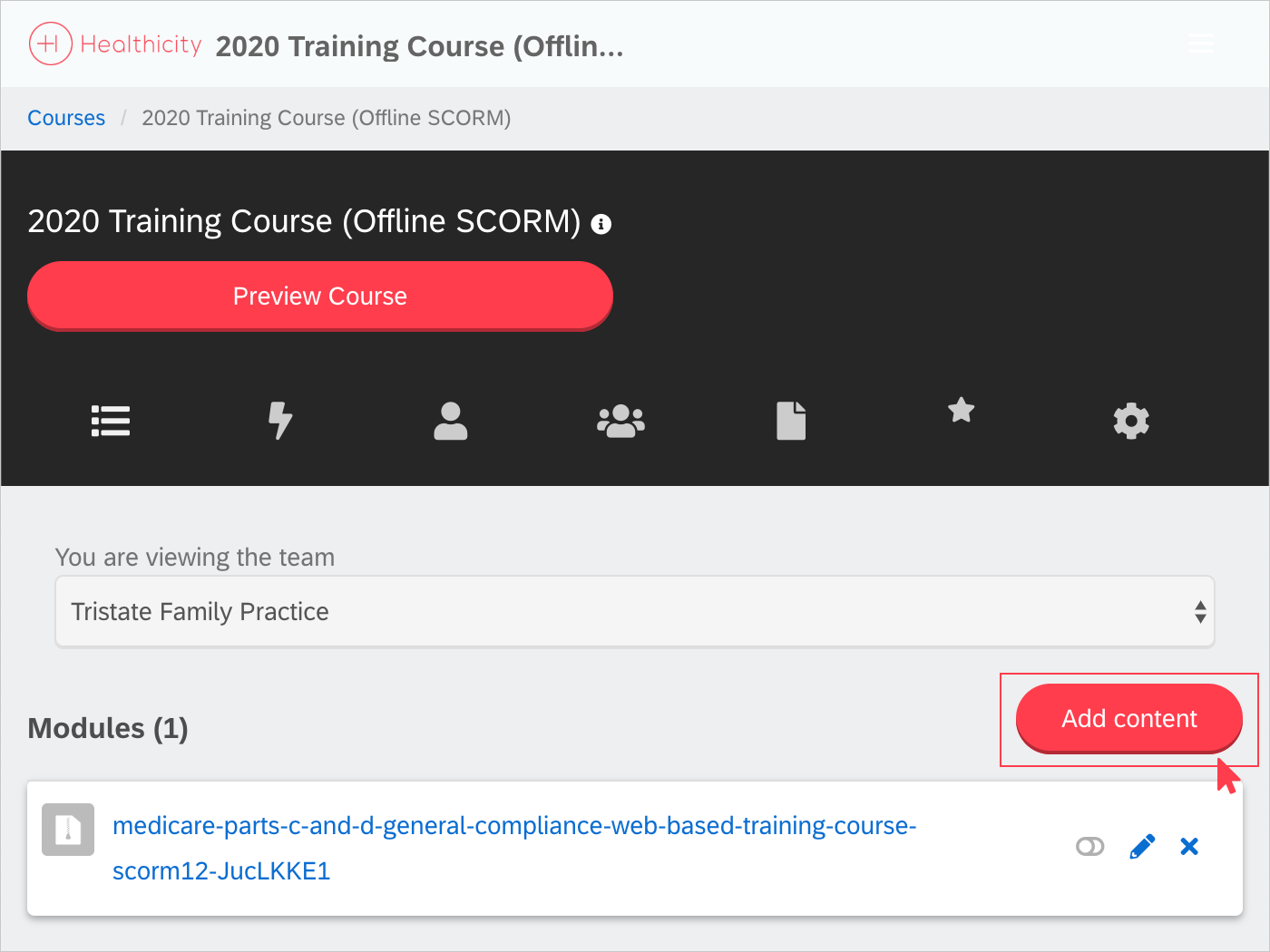
Click 'Add Content.'
Step 2.
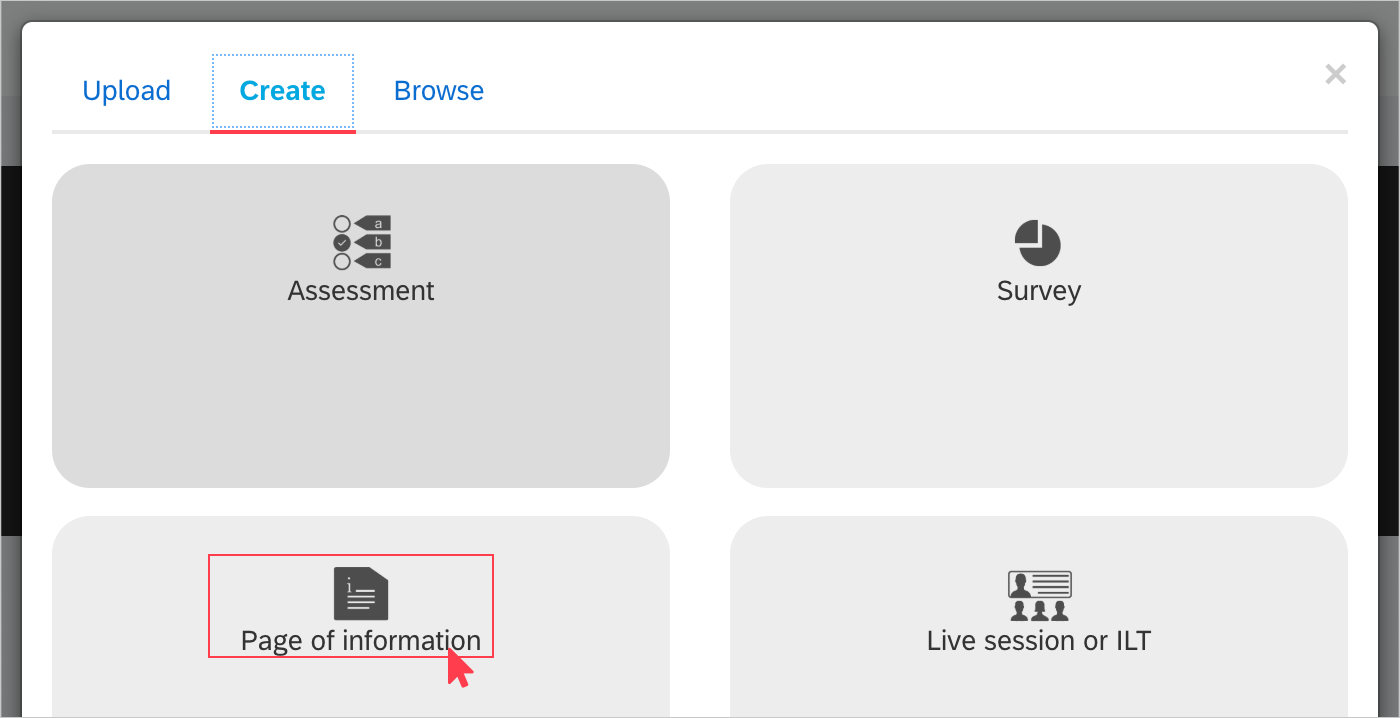
Select 'Create' on the top of the modal. From here you will have a number of options to choose from. Select 'Page of Information,' add a title, description and the content you want your learners to see and then click 'Save.'
Please note: You will have the same options available when adding any other content to an assessment. The information on these options is within this article.
Comments
0 comments
Please sign in to leave a comment.