
Project Level Reports
Project level reports include the following:
- Project Data File
- Project Summary
- Project Detail Report
How to View Project Level Reports
Step 1.
Navigate to 'Reporting' and select 'By Projects.'
Step 2.
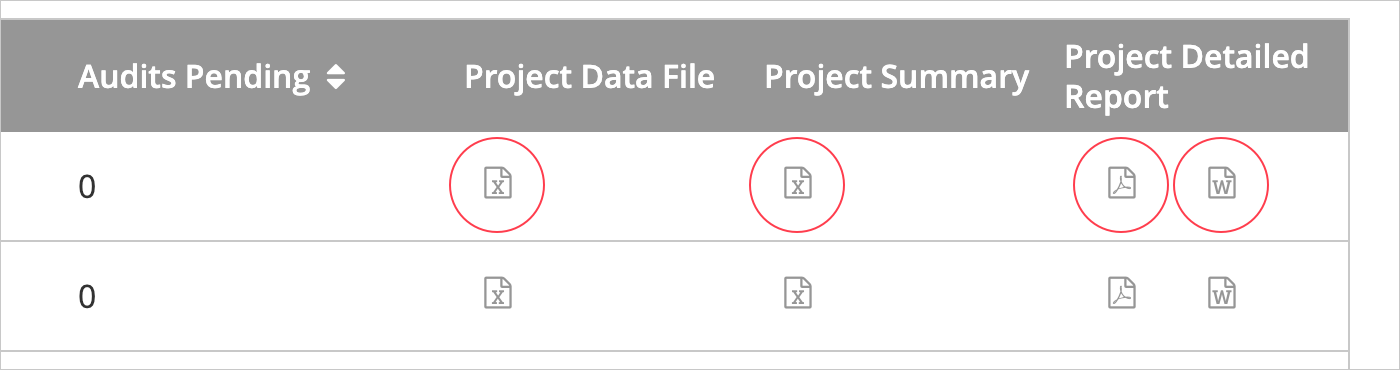
From the list of projects, click on one of the available file type icons to export the desired report.
Provider or Coder Detail Reports
Both Provider and Coder reports include the following:
- Provider or Coder Detail Report
- Worksheet Detail Report
How to View Provider or Coder Detail Reports
Step 1.
Navigate to 'Reporting' and select 'By Projects.'
Step 2.
From the audit reports list, select the name of the provider or coder.
Step 3.
From the list of the provider or coder audit projects, click on one of the available file type icons to export the desired report.
How to Download Multiple Reports
It is also possible to download more than one report at a time. To download batches of reports take the following steps:
Step 1.
Navigate to 'Reporting' and select 'By Projects.'
Step 2.
Select Project.
Step 3.
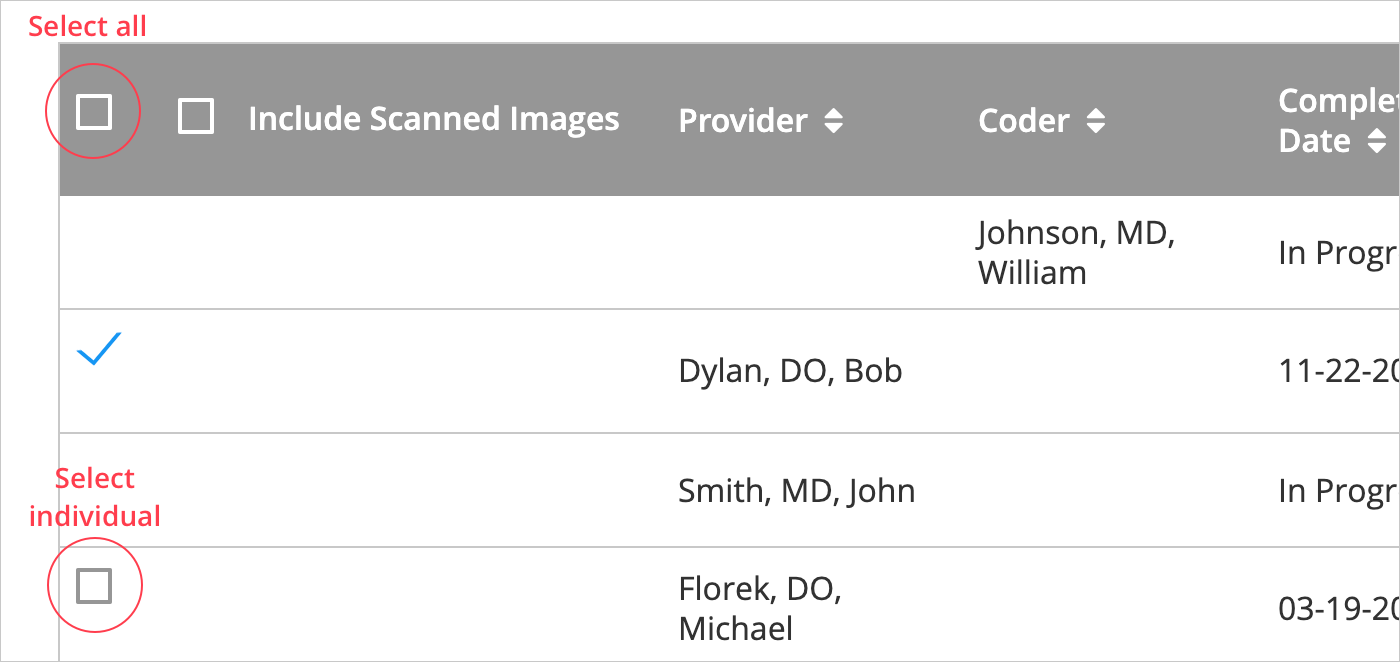
Select the checkbox next to each provider or coder to include in export.
Step 4.
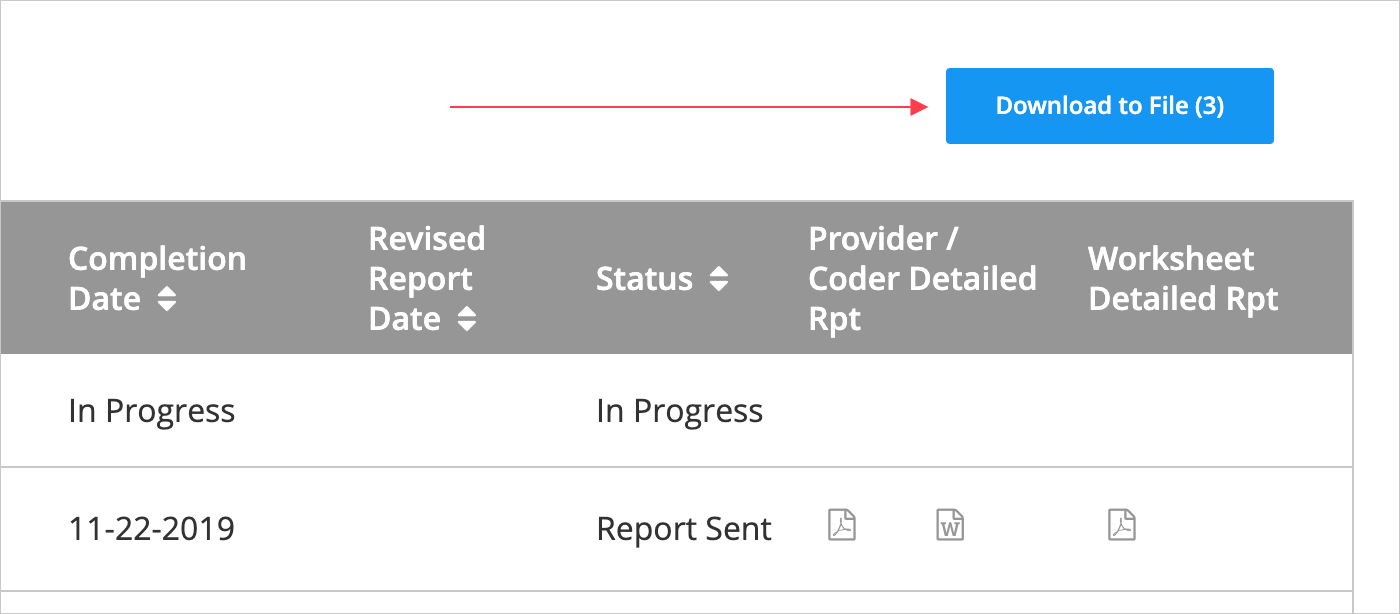
Select 'Download to File.'
Step 5.
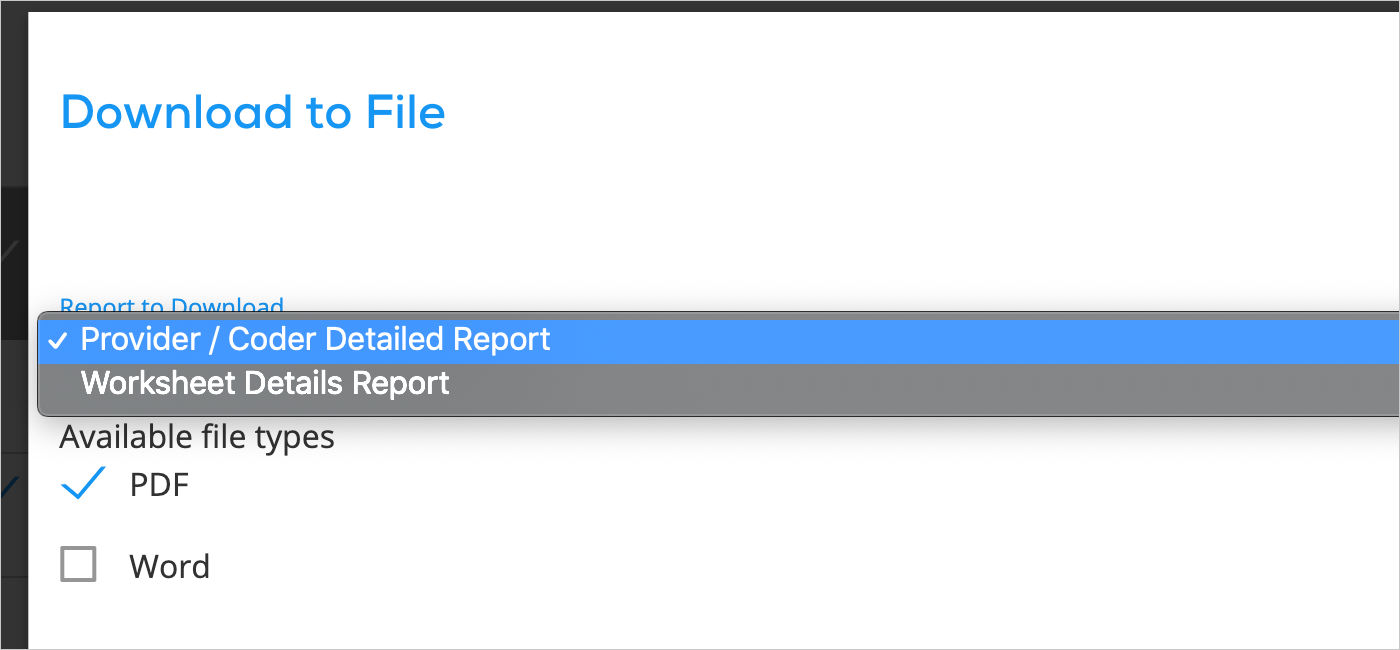
From the modal, select the report type and a single file type to complete the request to export.
Comments
0 comments
Please sign in to leave a comment.