
Uploaded records are used in conjunction with claims data to conduct audits. These records, when uploaded and assigned to an audit will appear in their own window next to the audit box. The Records section allows for all record management in Audit Manager.
'Submit Records' - Use this to upload records into audit projects.
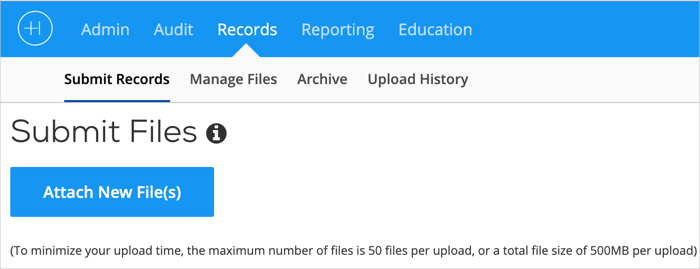 The Records Tab 1.
'Manage Files' - Use this for maintenance and modifications to records. This section also allows for claim upload and creation of audits without claim files.
'Archive' - Over time, there may be a large number of records to manage. The record Archive allows for searching and finding uploaded records based on several characteristics.
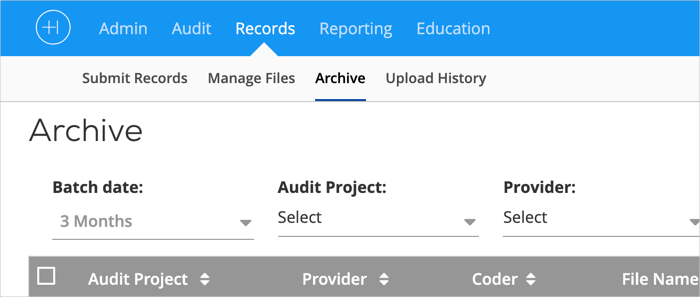 The Records Tab 2.
'Upload History' - Upload history is a sortable and searchable master list of all uploads; including date and the individual who uploaded the records.
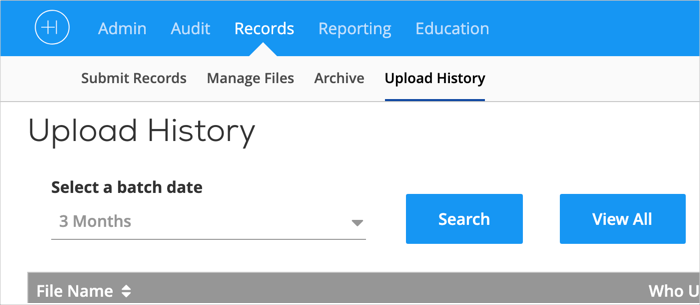 The Records Tab 3.
Comments
0 comments
Please sign in to leave a comment.