
Any changes you make here will be applied to all email messages sent by Compliance Manager that use the default signature. You will also have the option to apply these changes to any sub locations so that your changes are universal.
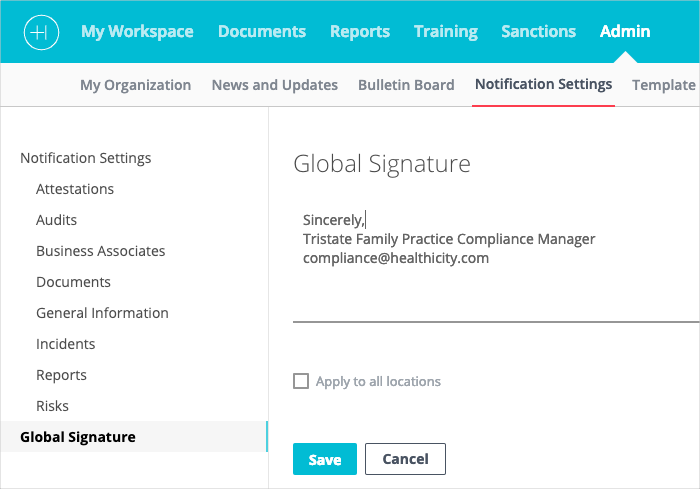
Select Global Signature from the options appearing in the Notifications Settings menu.
Your current email signature text and name will be displayed.
Click into the Global Signature section to edit the existing text.
Check the box next to Apply to all locations or skip to apply to the current location only.
Click 'Save.'
Comments
0 comments
Please sign in to leave a comment.